How to Optimize WordPress for Speed & SEO: A Complete Practical Guide
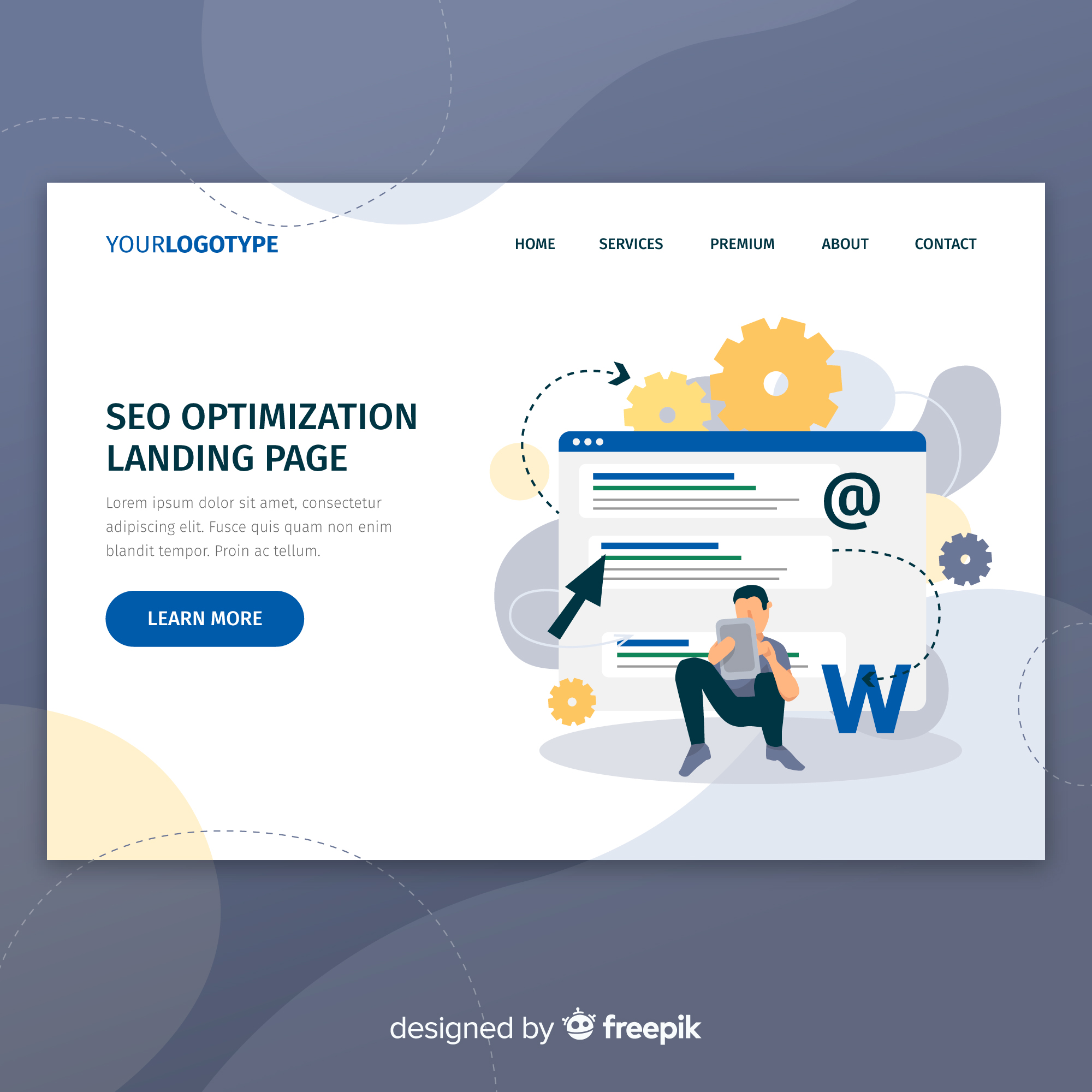
WordPress is one of the most powerful and flexible platforms for building websites—but out of the box, it’s not always optimized for speed and SEO. A slow or poorly optimized WordPress site can hurt user experience, reduce search rankings, and lower conversions.
The good news? With the right strategy, WordPress can be fast, SEO-friendly, and high-performing.
In this guide, you’ll learn how to optimize WordPress for speed and SEO step by step, using best practices that actually work.
Why Speed & SEO Matter for WordPress Websites
Speed and SEO are deeply connected.
A fast, optimized WordPress website:
- Ranks higher on Google
- Improves Core Web Vitals
- Reduces bounce rates
- Increases engagement and conversions
Google prioritizes websites that offer great user experience, and speed is a major part of that.
1. Choose Fast & Reliable Hosting
Hosting is the foundation of WordPress performance.
A good hosting provider offers:
- Fast servers (SSD / NVMe)
- Optimized WordPress environments
- Built-in caching
- Strong uptime
Avoid cheap shared hosting if you care about speed and SEO.
👉 Hosting quality directly affects loading speed and rankings.
2. Use a Lightweight, Performance-Focused Theme
Not all WordPress themes are built for speed.
Choose themes that are:
- Lightweight
- Well-coded
- Compatible with Gutenberg
- Optimized for performance
Avoid bloated themes packed with unnecessary features you don’t use.
3. Install a Quality Caching Plugin
Caching is one of the biggest speed boosters.
Popular caching plugins include:
- WP Rocket
- W3 Total Cache
- LiteSpeed Cache
Caching reduces server load and improves page loading time significantly.
4. Optimize Images Properly
Large images slow down WordPress sites.
Best practices:
- Compress images before upload
- Use modern formats like WebP
- Enable lazy loading
Image optimization improves both speed and Core Web Vitals.
5. Minify CSS, JavaScript & HTML
Unused or large code files affect performance.
Minification helps by:
- Reducing file size
- Improving load time
- Enhancing SEO performance
Most caching plugins support minification and file optimization.
6. Limit Plugins & Remove Unused Ones
Too many plugins can slow down your site.
Best practices:
- Remove unused plugins
- Avoid duplicate functionality
- Choose well-maintained plugins
Fewer plugins = better speed, security, and stability.
7. Enable Mobile Optimization
Google uses mobile-first indexing, meaning your mobile site matters most.
Ensure:
- Responsive design
- Fast mobile loading
- Touch-friendly UI
A slow mobile experience hurts SEO more than desktop issues.
8. Improve Core Web Vitals
Core Web Vitals measure real user experience.
Focus on:
- LCP (Largest Contentful Paint): Optimize images, hosting
- INP (Interaction to Next Paint): Reduce heavy scripts
- CLS (Cumulative Layout Shift): Set image & ad dimensions
Improving these metrics boosts rankings and user trust.
9. Use an SEO Plugin Correctly
SEO plugins help manage on-page optimization.
Popular options:
- Rank Math
- Yoast SEO
- All in One SEO
Use them to:
- Optimize titles and meta descriptions
- Generate XML sitemaps
- Control indexing
Plugins don’t replace SEO—but they make it easier.
10. Optimize URLs & Internal Linking
SEO-friendly URLs are clean and readable.
Best practices:
- Use short, descriptive URLs
- Avoid unnecessary parameters
- Build strong internal links
Internal linking helps search engines crawl and understand your site better.
11. Secure Your WordPress Website (HTTPS)
Security affects SEO and trust.
Ensure:
- HTTPS is enabled
- Core, themes, and plugins are updated
- Basic security measures are in place
Google favors secure websites.
12. Use a CDN (Content Delivery Network)
A CDN delivers content faster to global users.
Benefits:
- Faster page loads
- Reduced server load
- Improved global performance
CDNs help both speed and SEO—especially for international traffic.
13. Clean Your Database Regularly
Over time, WordPress databases collect junk data.
Cleaning helps:
- Improve backend performance
- Reduce query load
- Maintain speed
Database optimization is often overlooked but important.
14. Monitor Performance & SEO Regularly
Optimization is ongoing—not one-time.
Use tools like:
- Google PageSpeed Insights
- Google Search Console
- Lighthouse
Regular monitoring helps catch issues early.
Common WordPress Optimization Mistakes to Avoid
- Using heavy page builders excessively
- Ignoring mobile performance
- Installing too many plugins
- Skipping image optimization
- Focusing only on design, not performance
Avoiding these mistakes keeps your site fast and SEO-ready.
WordPress can be incredibly fast and SEO-friendly—if optimized correctly. Speed and SEO are not separate tasks; they work together to improve rankings, user experience, and conversions.
By focusing on performance, clean structure, and best practices, your WordPress website can compete at the highest level.
Final Thought
A fast WordPress website isn’t just better for Google—it’s better for users, trust, and business growth. Optimize once, maintain regularly, and your results will compound over time.